






















































Introduction
It is possible to white-label your Webmail to match your company or organisation’s identity. This is especially useful for resellers who wish to present the service under their own brand.
Please note: Webmail branding must be set up individually for each email account.
Opening the Webmail Branding
To open the branding options:
- From the Email Actions Menu, select Webmail Branding.
- The Webmail Branding Window will appear.

Webmail Branding Settings
On this screen, you can customise how your Webmail looks to your clients:
- Company Name — Enter the name of your business or organisation.
- Support Email — Add the support address where clients can contact you.
- Primary Background Colour — Choose a strong colour that ensures all fonts remain visible.
- Company Logo — Upload your logo in GIF, PNG, or SVG format.
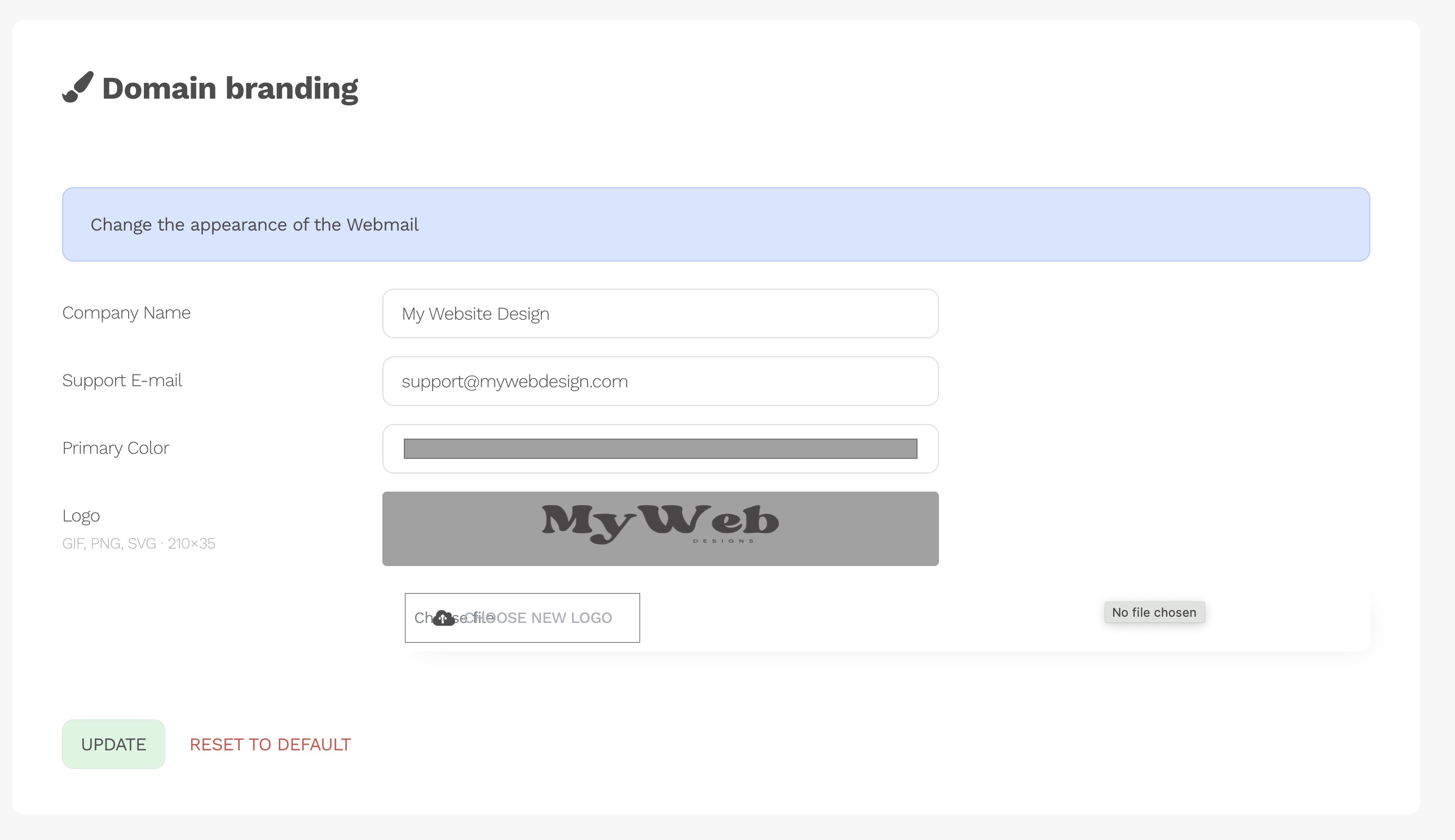
Once saved, your Webmail will immediately display with your branding, creating a professional and seamless experience for your clients.