





















































Introduction
Once your Minecraft Server instance is set up, you will be able to administer this. This guide explains how to access your Hippo Portal, Server Information and Minecraft Console.
Select the Minecraft Service
- In your Hippo Portal Go to the menu and click on My Services
- Select the Hippo Minecraft service that you would like to manage.
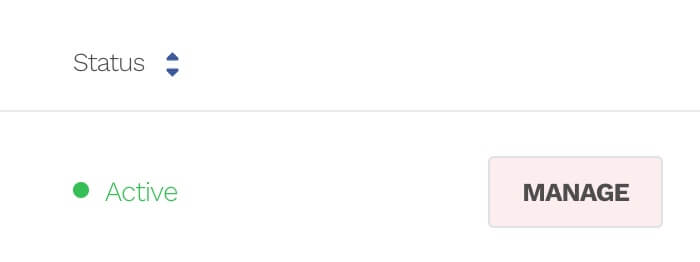
- Click on the Manage Service button.
Your Server IP Address
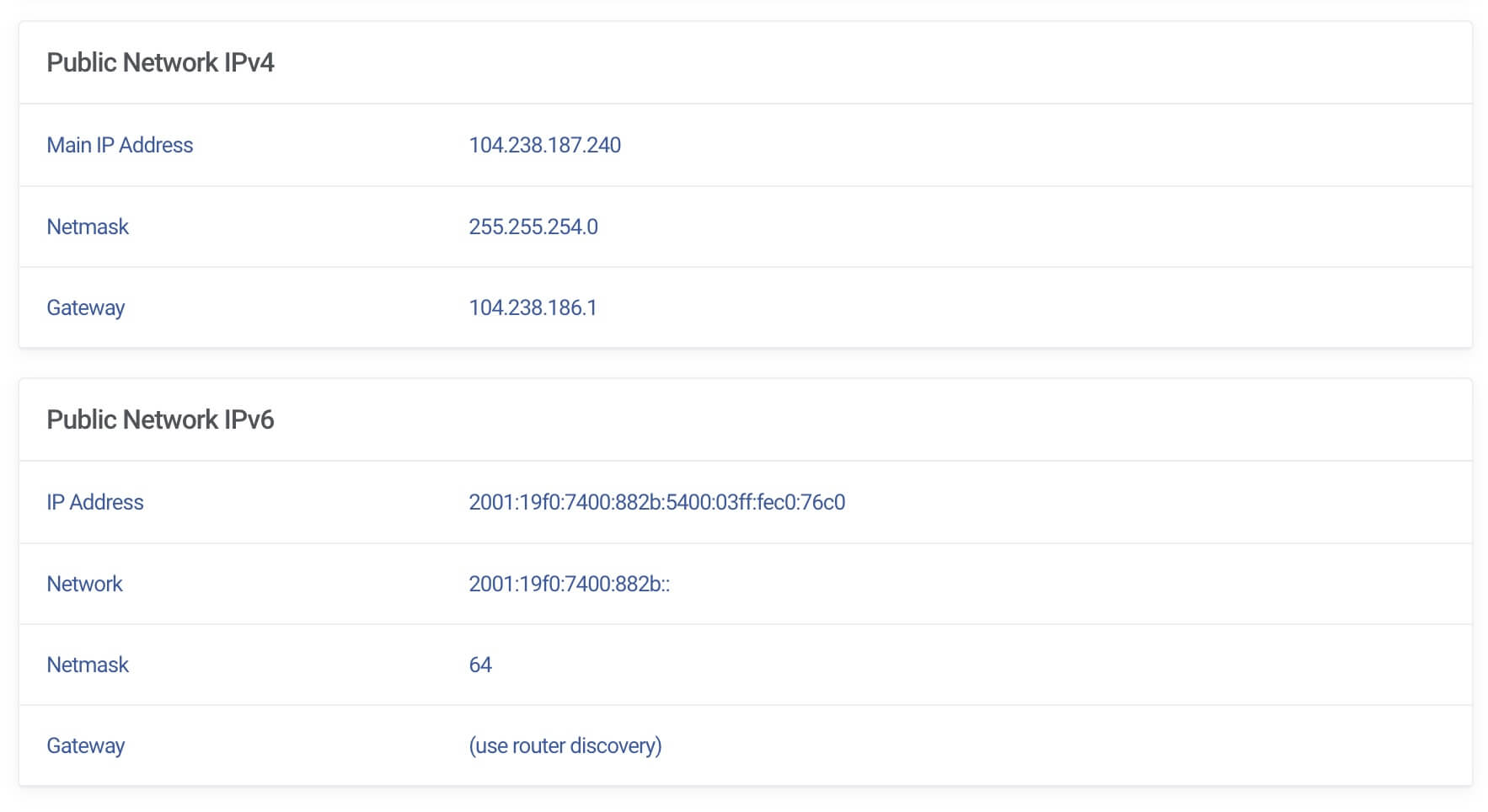
- As most game server users, prefer to access their server using an IP address rather than a domain name, you need to know the IP address. This can be found on Your Hippo Minecraft Service Page.
- Scroll to the bottom of the page.
- The required information can be found here. If you selected an IPv6 option during setup, this will also be shown.
Your Server Password and other Server Information
- In order to log in to your Minecraft server, you will need your root password. For security, we do not send this out via email.
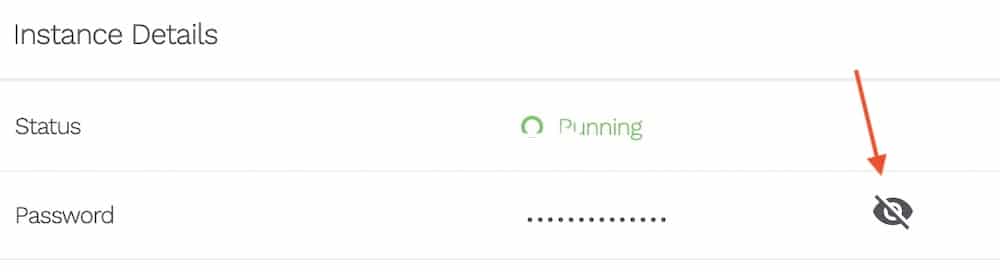
- You can find this, by scrolling to Instance Details, on the Minecraft Server Management page.
- By clicking on the “eye”, the password will be revealed.
Accessing the Minecraft Server Console
- Click on the Console Icon
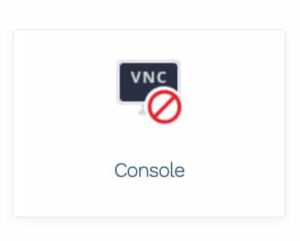
- The Console window will appear
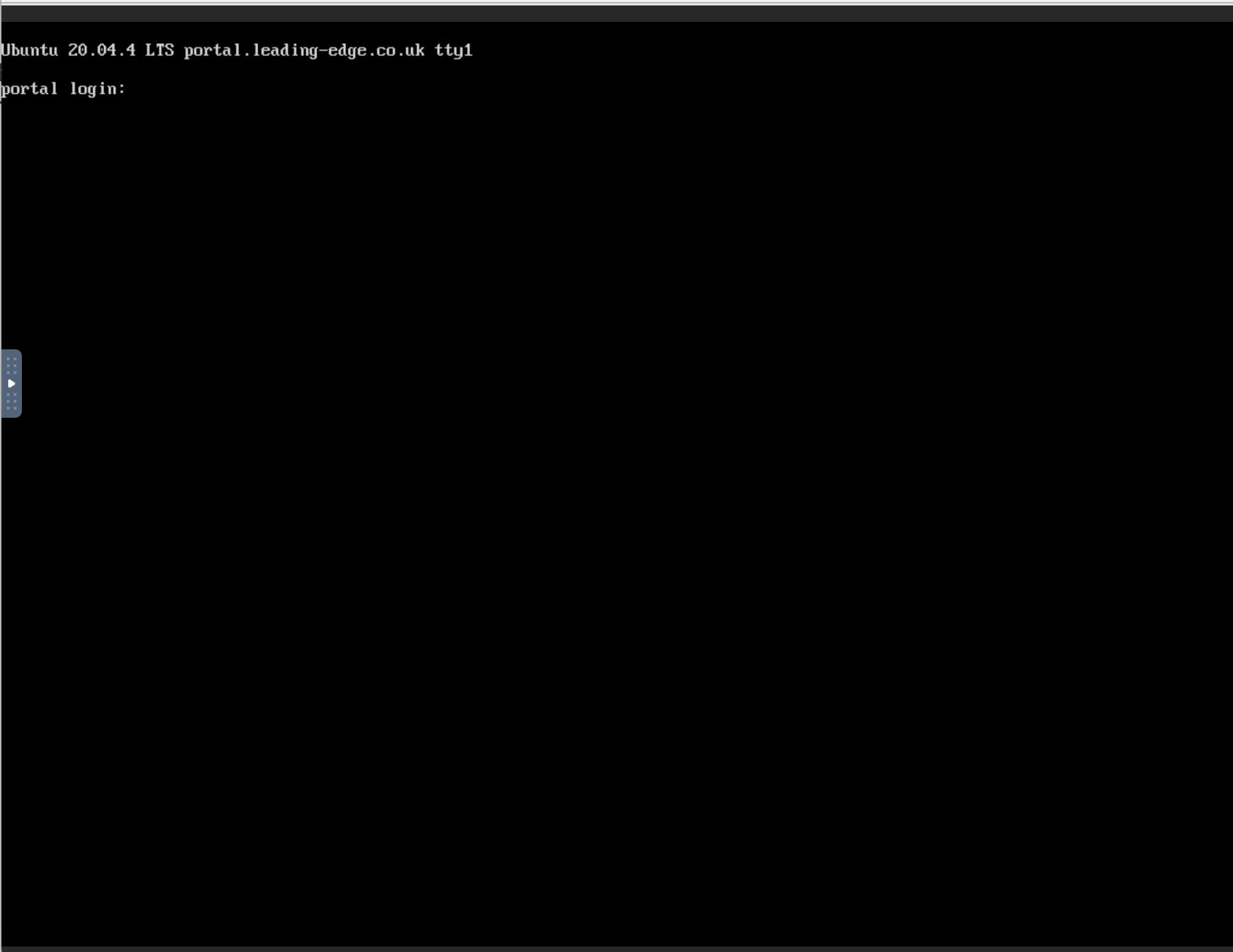
- The username is : root
- The password is the one revealed above, unless you have changed this at any point.
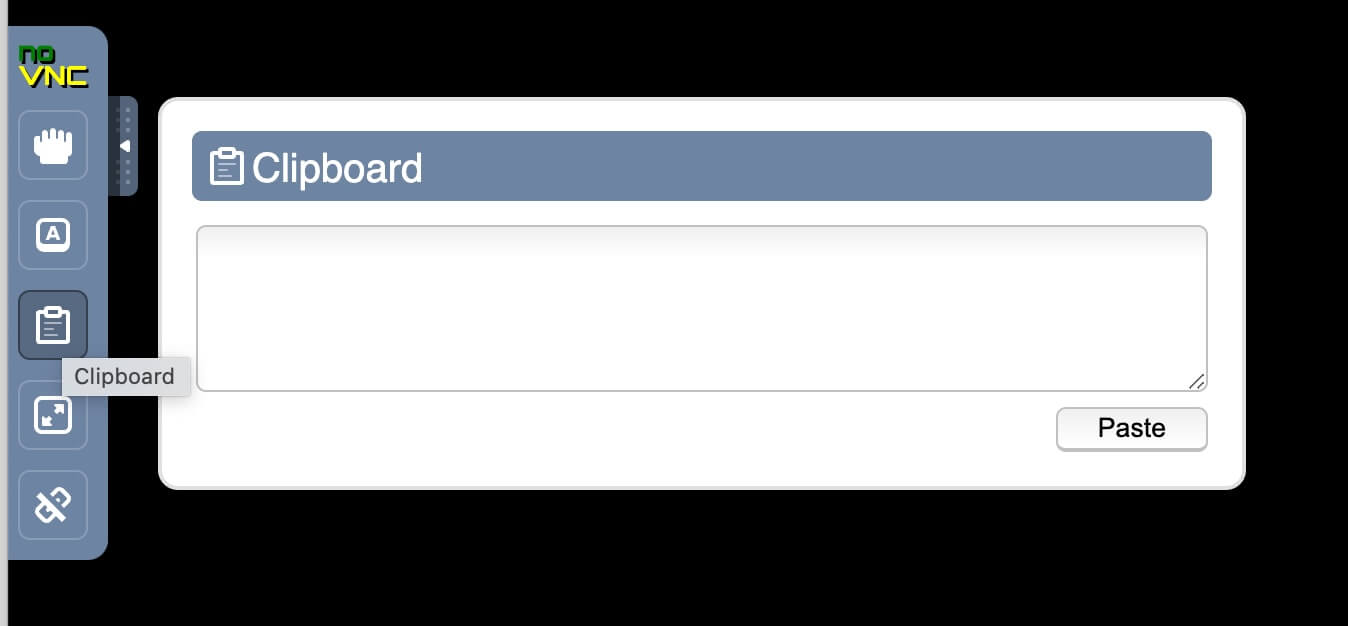
- It can be difficult to type in this password, so you can paste it using the console's copy and paste facilities, which can be found by expanding the console menu.

- Click on the clipboard to paste any string of text you require.
- You now have root access to the server. From here on in, you should refer to the vendor (Minecraft) documentation in the set-up of your server.